
The Best Home Office Setup for Software Engineers
Software engineers spend more hours at a desk than almost any profession — and a great setup pays off in both comfort and productivity. This guide covers the exact gear we'd recommend if you're a developer spending a remote work stipend. Every pick is reviewed through a coder's lens: ergonomics, screen real estate, and keyboard feel first.
Top Picks
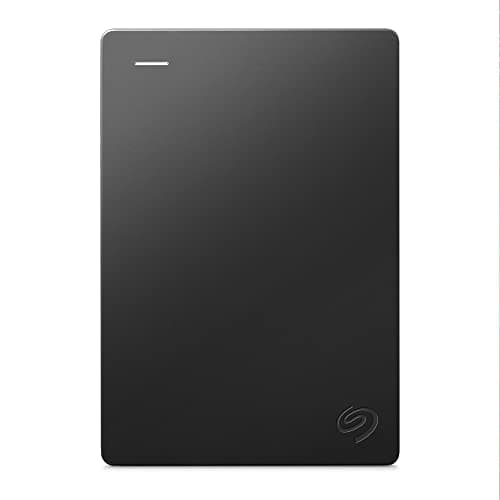
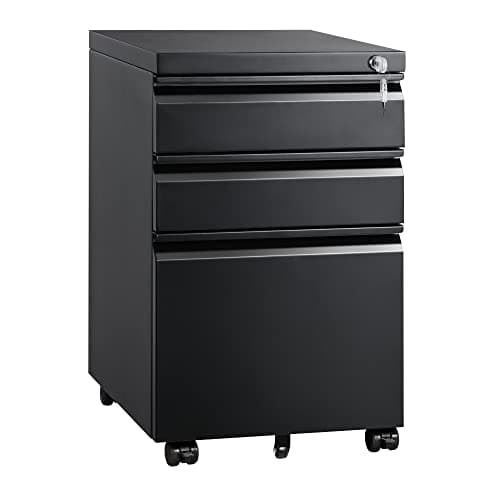
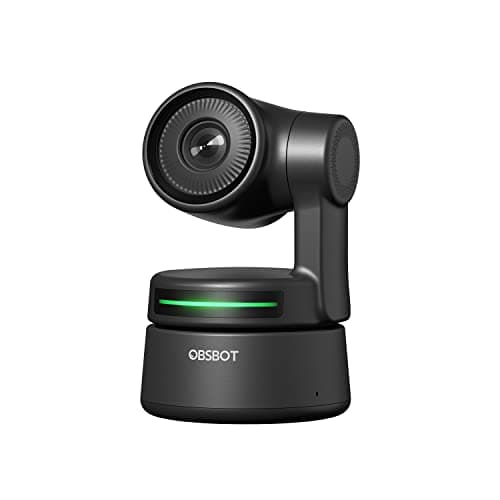
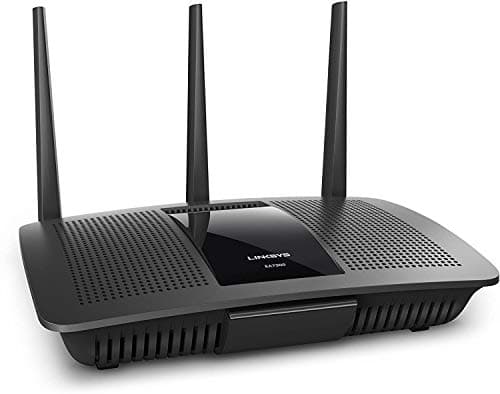


What to Look For
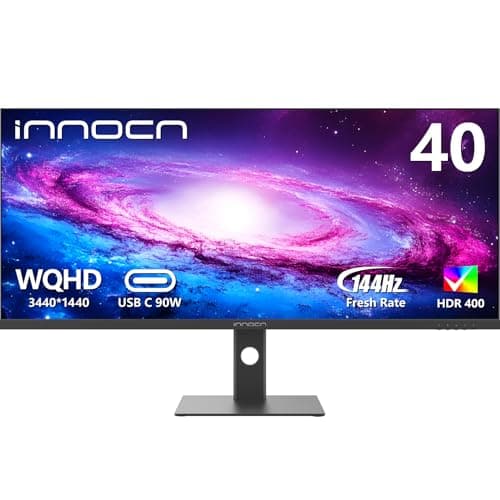
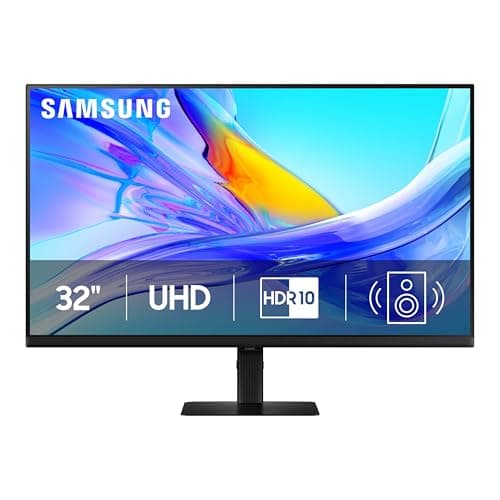
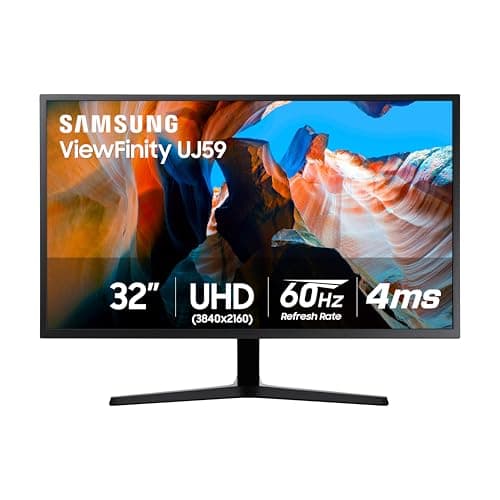
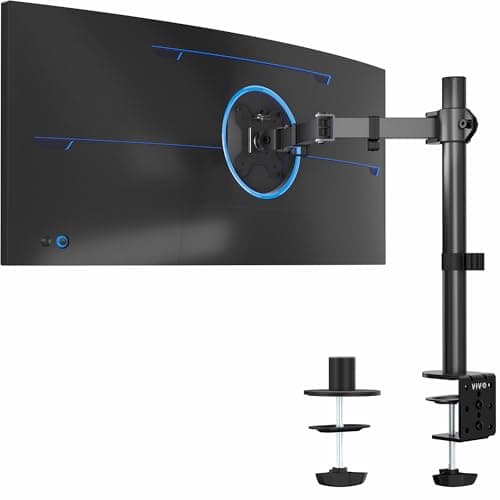
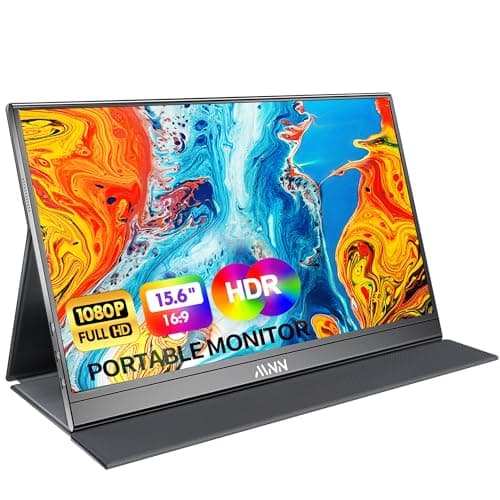
- Dual monitors or a 34"+ ultrawide are non-negotiable for split-screen code + docs + terminal.
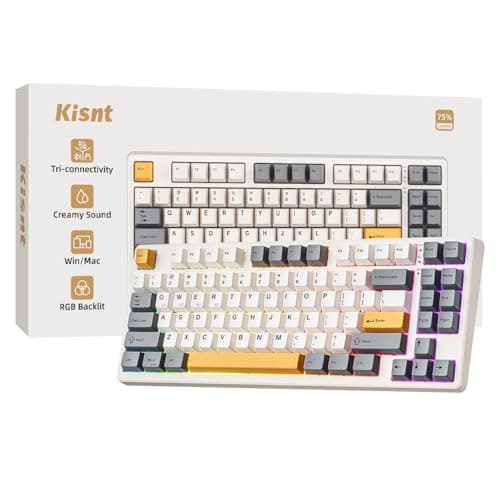
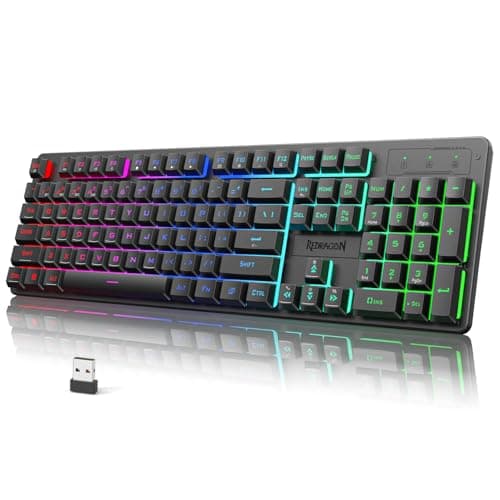
- Mechanical keyboards last 10+ years and are the single gear upgrade most engineers regret not making sooner.
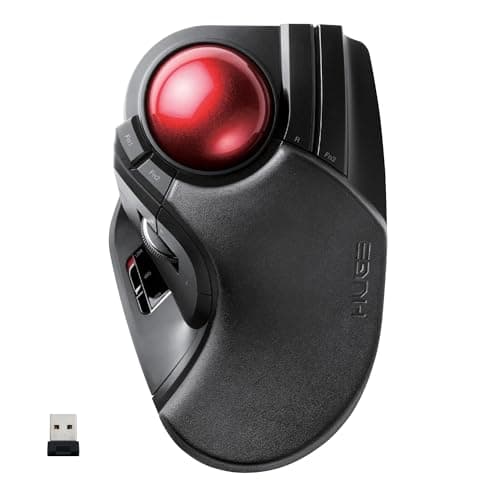
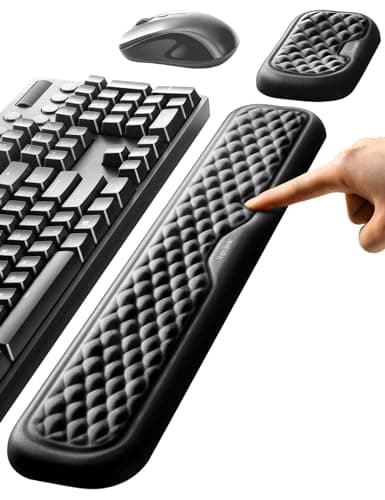
- Programmable keyboards (Kinesis, ZSA Moonlander) reduce wrist strain during long coding sessions.
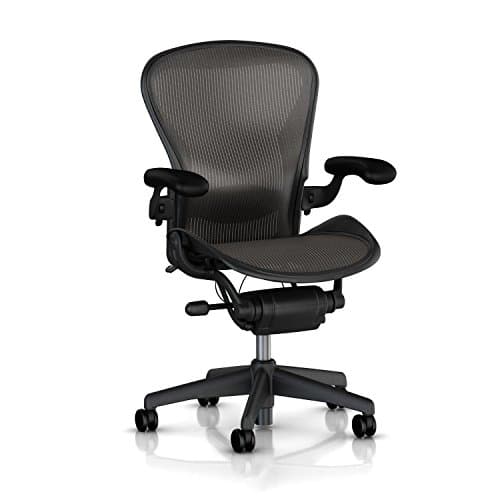
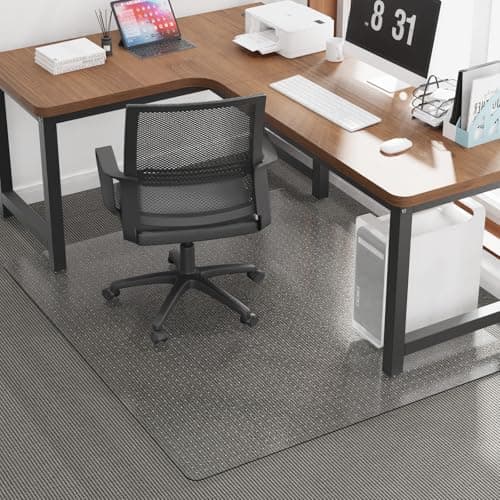
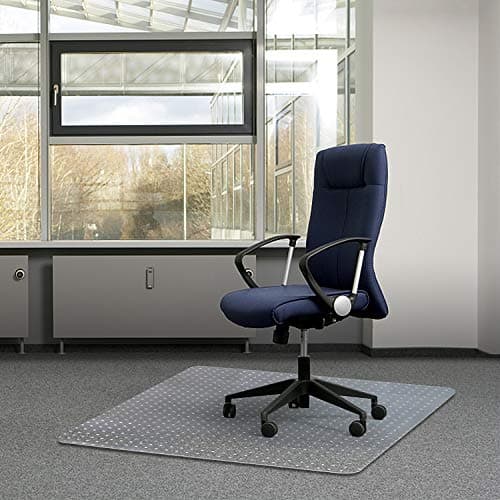
- A quality ergonomic chair prevents lower-back and sciatic issues that can derail your career — don't skimp here.
Frequently Asked Questions
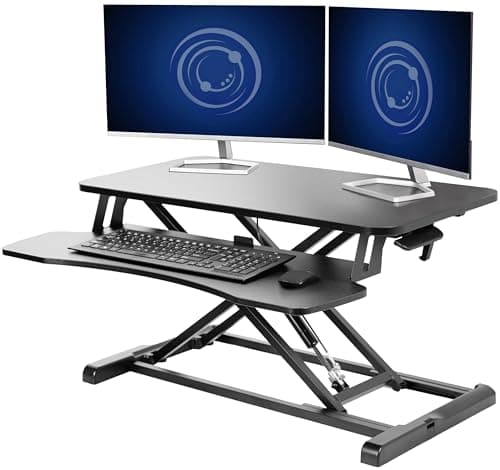
27" 1440p dual monitors (or a 34" ultrawide), a mechanical keyboard, a precision mouse, and a Herman Miller-grade ergonomic chair. Add a standing desk if you have the budget.
Most do. Splitting code, terminal, docs, and Slack across two screens measurably improves context-switching speed compared to a single laptop.
Mechanical keyboards (Keychron, Das Keyboard, WASD) dominate among developers. Split ergonomic keyboards (Kinesis, ZSA) are popular with long-time typists.
$1,000–$3,000 is a reasonable range for a full setup that will last 5+ years. Spread it over multiple stipend cycles if needed.