
The Best Mechanical Keyboards to Buy With Your Remote Work Stipend
If you type for a living — code, content, email, whatever — your keyboard is where you spend literally thousands of hours a year. A quality mechanical keyboard makes every keystroke feel better and often outlasts three laptops. These are the mechanical keyboards we recommend for remote workers.
Top Picks
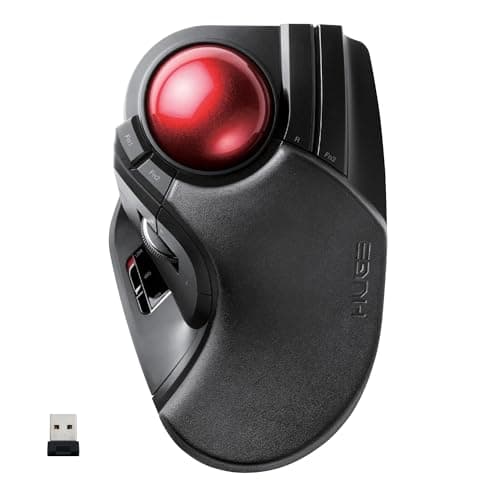
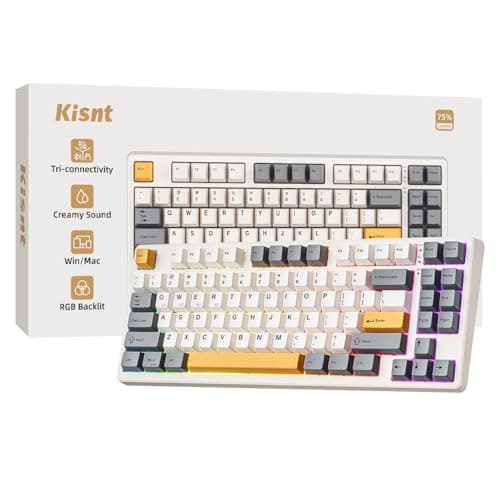
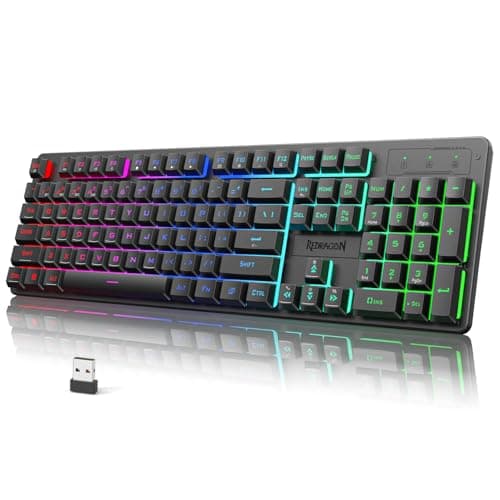
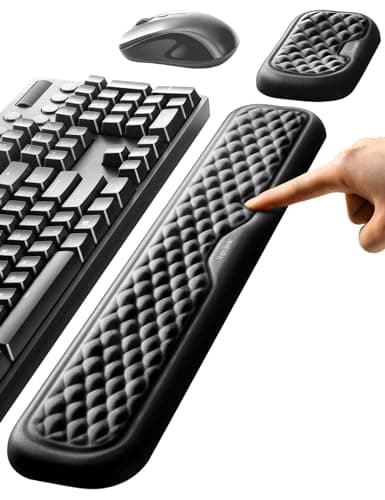
What to Look For
- Tactile switches (Browns) are a great all-around choice for office environments — not too loud, not too mushy.
- If you share a home office or take calls often, look for "silent" or "linear" switches to avoid clacking.
- Wireless Bluetooth keyboards with dedicated multi-device switching (Keychron, Logitech MX) are ideal if you work across a laptop and desktop.
- TKL (tenkeyless) layouts save desk space; only go full-size if you need the numpad daily.
Frequently Asked Questions
If you type more than 3 hours a day, yes. The typing feel is noticeably better than any laptop keyboard, and a quality mechanical keyboard lasts 10+ years.
Look for boards with silent linear or silent tactile switches, plus factory-lubed stabilizers. The Keychron K2 Pro with Silent Red switches is a popular quiet pick.
Yes. Keyboards fall under standard home office equipment and are almost always approved. Most stipends cover keyboards up to $200.
Mechanical keyboards have more tactile feedback, longer lifespan (50M+ keystrokes), and replaceable keycaps. Membrane is cheaper but feels mushy and wears out faster.