
The Best Ergonomic Gear for Developers Working From Home
If you write code for a living, ergonomics isn't optional — it's career insurance. Back pain, wrist RSI, and shoulder tension are common among developers who don't invest in proper gear. These are the ergonomic upgrades we recommend for long-term health at the keyboard.
Top Picks
What to Look For
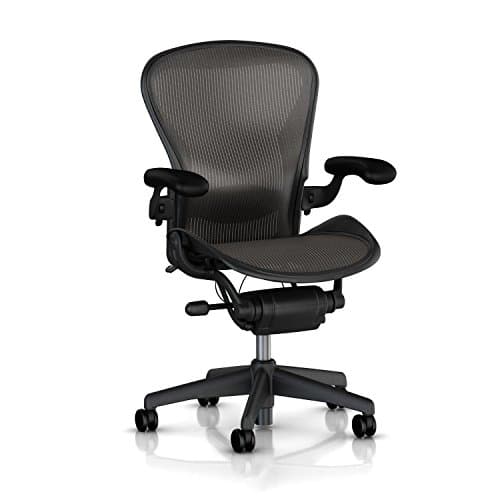
- Your chair is the #1 ergonomic investment — don't spend less than $300–$400 on a seat you'll use 40+ hours a week.
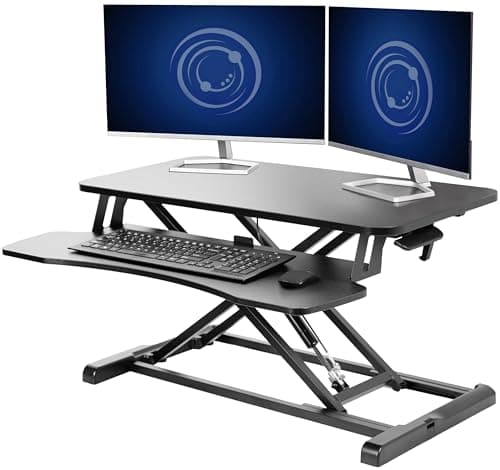
- A standing desk lets you alternate postures throughout the day, which is better than sitting or standing alone.
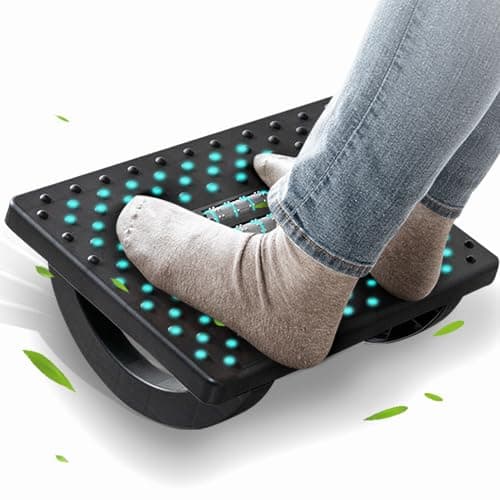
- Consider a footrest and lumbar pillow — small additions that meaningfully change your seated posture.
- Set your monitor so the top of the screen is at or slightly below eye level to reduce neck strain.
Frequently Asked Questions
The Herman Miller Aeron is the long-standing favorite among developers. Steelcase Leap and Gesture are excellent alternatives with different adjustability profiles.
A split or tented keyboard, a vertical mouse, proper desk height, and frequent micro-breaks are the most impactful changes. Stretch your forearms daily.
If you already have wrist pain, yes — immediately. If you don't, a split or tented keyboard is still a good preventative investment for anyone who types 6+ hours a day.
Yes. Chairs, desks, keyboards, mice, and lumbar support are standard approved items under remote work and ergonomic-specific stipends.