
The Best Monitors to Buy With Your Remote Work Stipend
A second monitor is the single fastest productivity upgrade for most remote workers. And if you're running multiple windows, a 27" 4K or 34" ultrawide is life-changing. These are the monitors we recommend for remote work in 2026.
What to Look For
- 27" 1440p is the productivity sweet spot — bigger than 24" 1080p without needing UI scaling headaches.
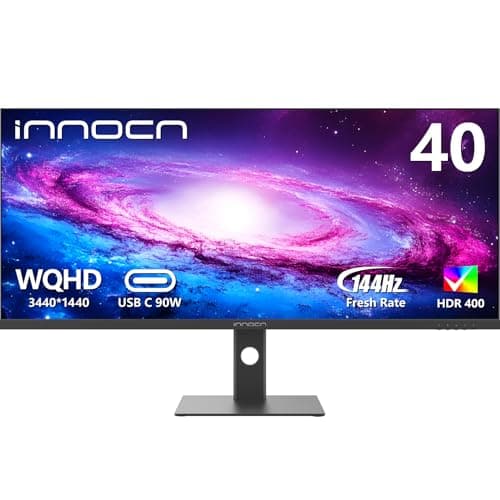
- Ultrawides (34"+) replace dual-monitor setups and eliminate the bezel gap in the middle.
- If you do design or video work, look for IPS panels with 100% sRGB coverage.
- USB-C monitors with 90W+ power delivery can charge your laptop over a single cable — huge desk declutter.
Frequently Asked Questions
Yes. Monitors are one of the top-three most common remote work stipend purchases, alongside chairs and desks.
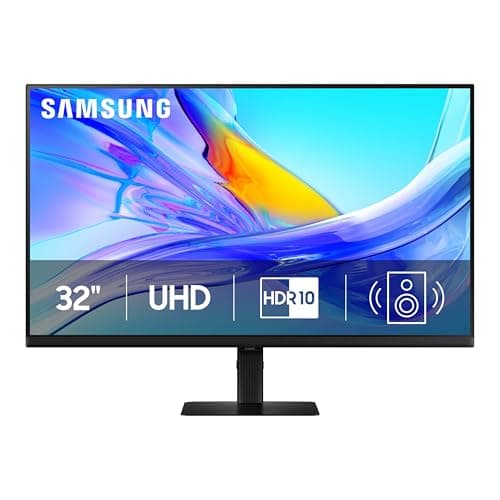
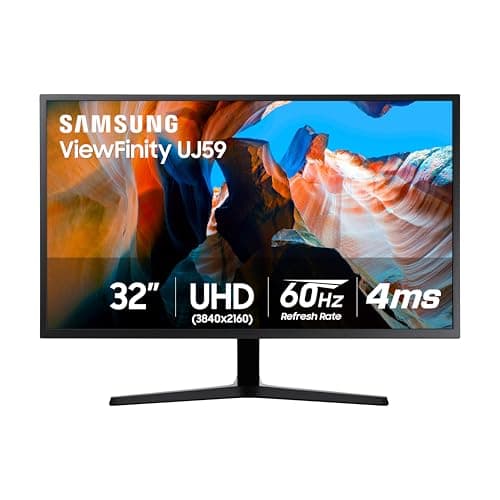
27 inches at 1440p is the best all-around size for productivity. Go 32" 4K if you need extra screen real estate, or a 34" ultrawide for side-by-side windows.
Ultrawides win for video calls, full-screen apps, and a clean look. Dual monitors win if you need one screen in portrait mode or want maximum flexibility.
Not necessarily. 1440p is sharper than 1080p but much cheaper than 4K and doesn't require heavy UI scaling. 4K only matters if you do visual work.