
Stipend Expense Report Generator
Turn a list of stipend purchases into a clean, copy-paste reimbursement email for your HR team in under a minute. Free, no signup required.
Expense Line Items
1 itemRecommended Remote Work Products
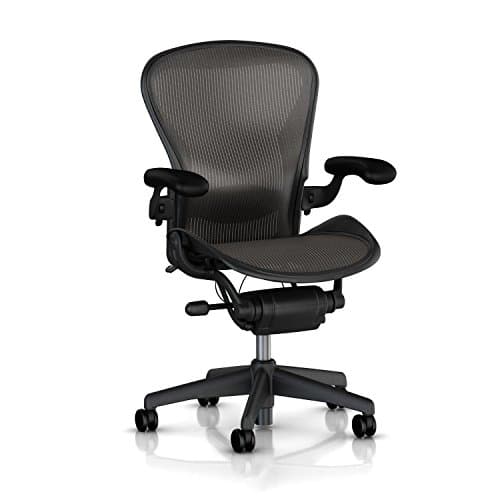
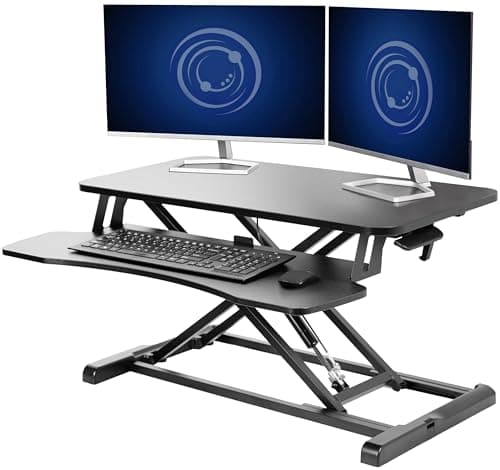
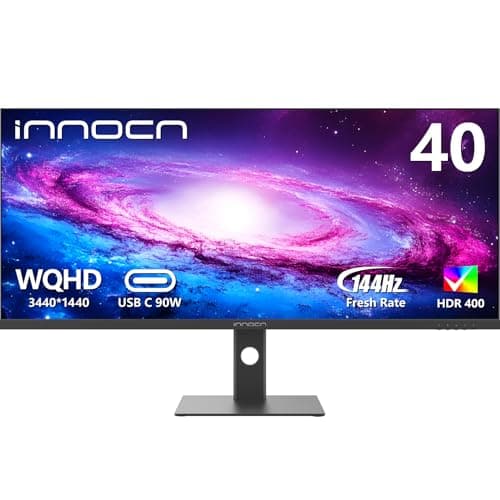
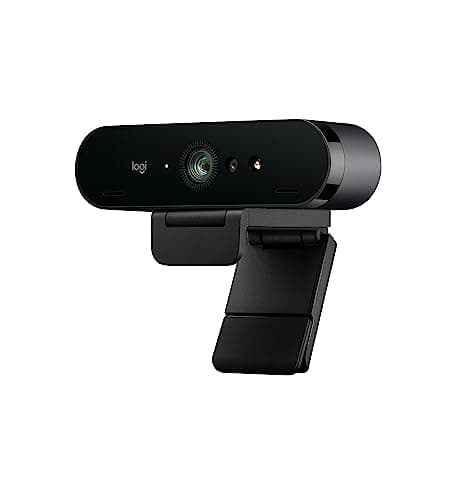
Hand-picked products you can buy with your remote work stipend.
How to Submit a Stipend Reimbursement Request
Most employer-provided stipends — for remote work, professional development, health and wellness, or FSA/HSA-eligible items — require you to submit an expense report to your HR or finance team before you can be reimbursed. The process is usually simple: buy the item, save the receipt, then email a summary of your purchase with the amount and vendor.
This free generator takes care of the email for you. Pick your stipend type, enter your name and company, and add a line item for every purchase you want reimbursed. Click Generate Reportand you’ll get a formatted email — subject line, greeting, itemized table, and total — that you can copy straight into Gmail, Outlook, or your company’s expense platform.
Before submitting, double-check two things: (1) keep copies of all receipts somewhere your HR team can access them, and (2) confirm the items you’re expensing are eligible under your company’s stipend policy. Most remote work stipends cover desks, monitors, and ergonomic gear; professional development stipends cover courses, books, and conferences; wellness stipends cover gym memberships, fitness equipment, and mental-health apps; and FSA/HSA funds cover eligible medical and health products. When in doubt, ask HR first.