
The Best Webcams to Buy With Your Remote Work Stipend
Your laptop's built-in webcam is almost certainly the weakest part of your home office setup. A dedicated webcam instantly upgrades how you look on every video call — and it's one of the easiest things to expense with a remote work stipend. Here are the webcams worth your money.
Top Picks
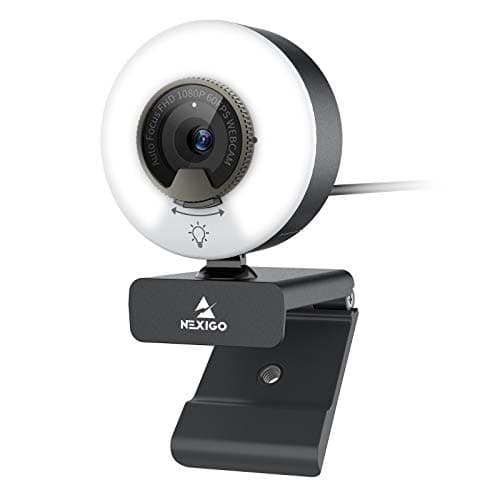
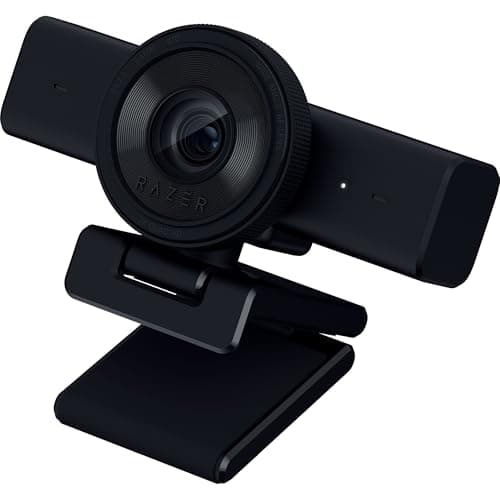
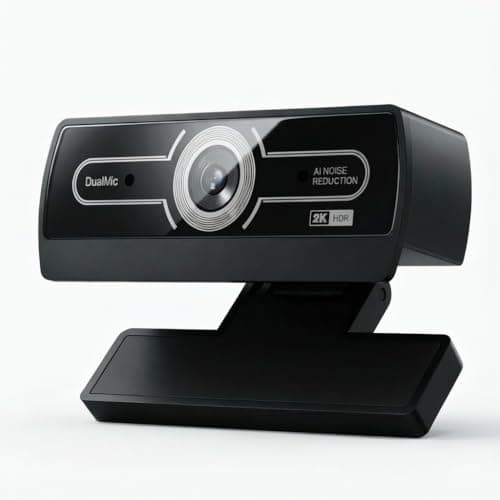
What to Look For
- 1080p at 60fps is the sweet spot for most calls — 4K is only visible if your colleagues have 4K monitors.
- Look for auto-framing and HDR if your lighting is inconsistent or you move around during calls.
- Mount your webcam at eye level, not on top of a tall monitor, to avoid the unflattering "ceiling angle."
- Built-in mics on webcams are fine for backup — a dedicated headset or lavalier still sounds dramatically better.
Frequently Asked Questions
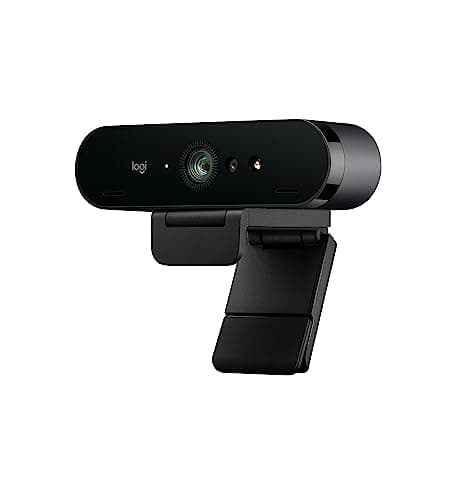
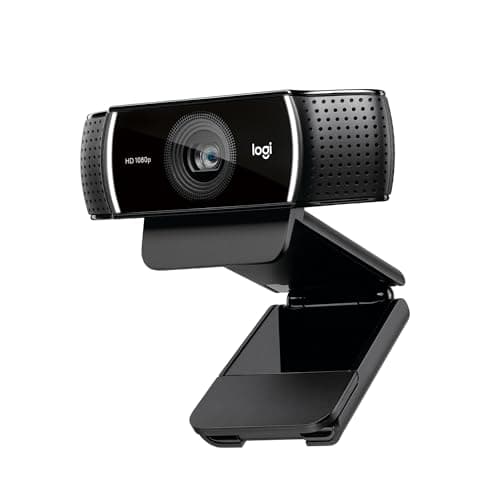
The Logitech Brio 4K remains the top all-around pick. For a budget option, the Logitech C920 at 1080p still delivers excellent video on most calls.
Not really. Zoom, Teams, and Meet all compress video heavily, so the difference between 1080p and 4K is minimal. Spend the extra money on lighting instead.
Yes. Webcams, microphones, and ring lights are almost universally approved under home office and remote work stipends.
If your primary light source is a window behind you or overhead fluorescents, yes. Even a cheap $30 ring light dramatically improves how you look on camera.